

Documentation Index
Fetch the complete documentation index at: https://docs.lindy.ai/llms.txt
Use this file to discover all available pages before exploring further.
Overview
Apify Actors are lightweight, containerized programs that automate tasks like web scraping, data processing, and workflows. Perfect for:- Web scraping — extract data from websites using pre-built scrapers
- Data processing — transform and analyze data with specialized tools
- Automation tasks — run complex workflows with thousands of available Actors
Run Actor Action
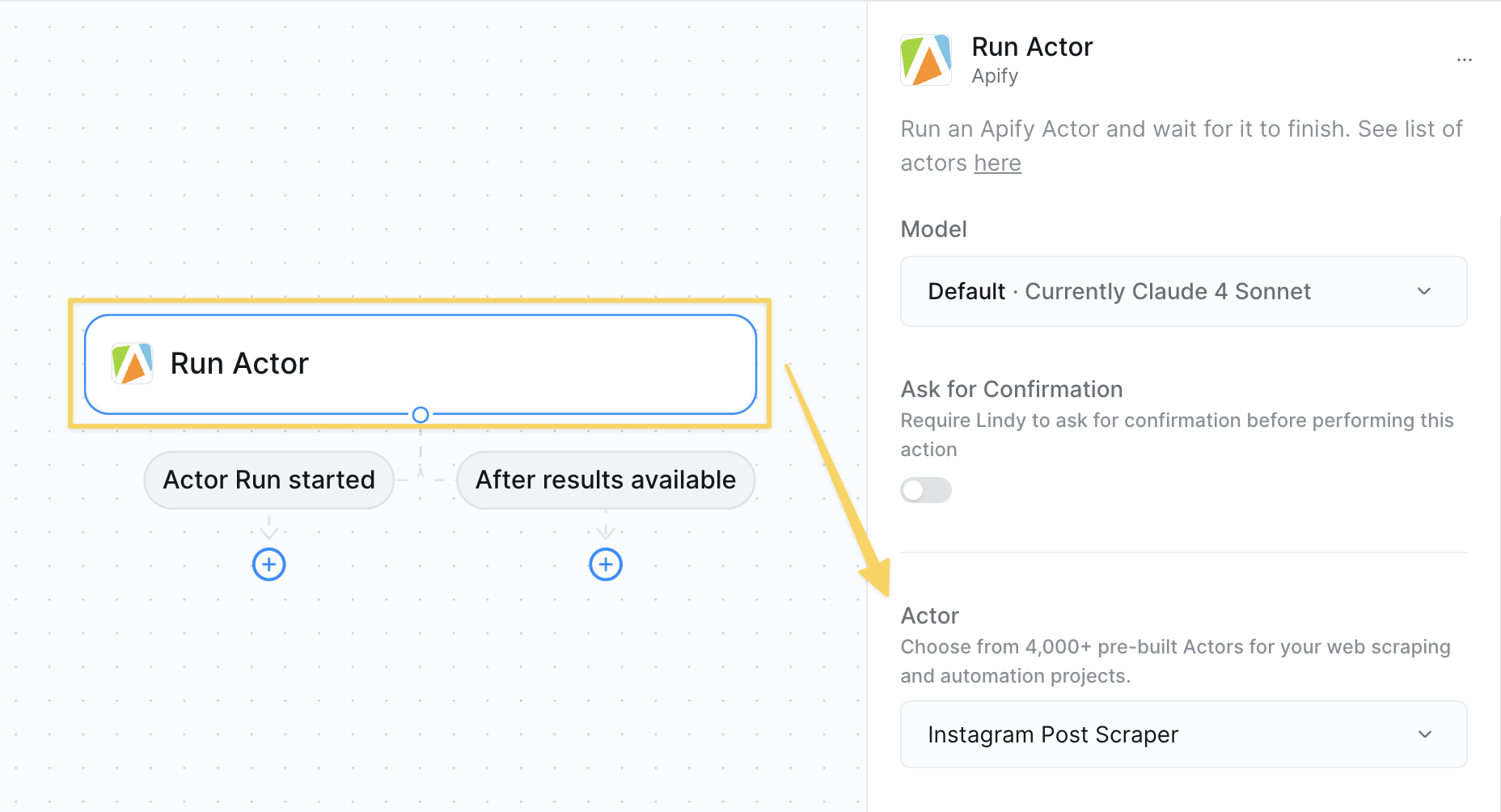
- What it does: Executes a selected Apify Actor with the specified configuration to perform web scraping, data processing, or other automated tasks.
Inputs
- Actor: Select the specific Apify Actor you want to run from the available options
- Variable inputs: After selecting an Actor, you’ll see additional input fields specific to that Actor’s requirements
Outputs
- Results: The data or output returned by the Actor (varies by Actor type)
Best Practices
Actor Selection
Actor Selection
- Browse the Apify Store to find Actors for your specific needs
- Check Actor documentation for required inputs and configuration
- Test with small datasets before running large scraping jobs
- Verify Actor reliability and recent updates
Performance & Costs
Performance & Costs
- Monitor Actor runtime and resource usage
- Use appropriate Actor tiers based on your data volume needs
- Set reasonable timeouts for long-running scraping tasks
- Consider rate limits when scraping multiple websites
Data Management
Data Management
- Review Actor output format before integration
- Store results in variables or context for further processing
- Clean and validate scraped data before use
Next Steps
Perplexity Search
Research and gather information before scraping
Context Management
Store scraped data for your agent’s memory
Set Variables
Save Actor results for use in other workflow steps
Parallel Browsing
Alternative web research and data enrichment