

Documentation Index
Fetch the complete documentation index at: https://docs.lindy.ai/llms.txt
Use this file to discover all available pages before exploring further.
Overview
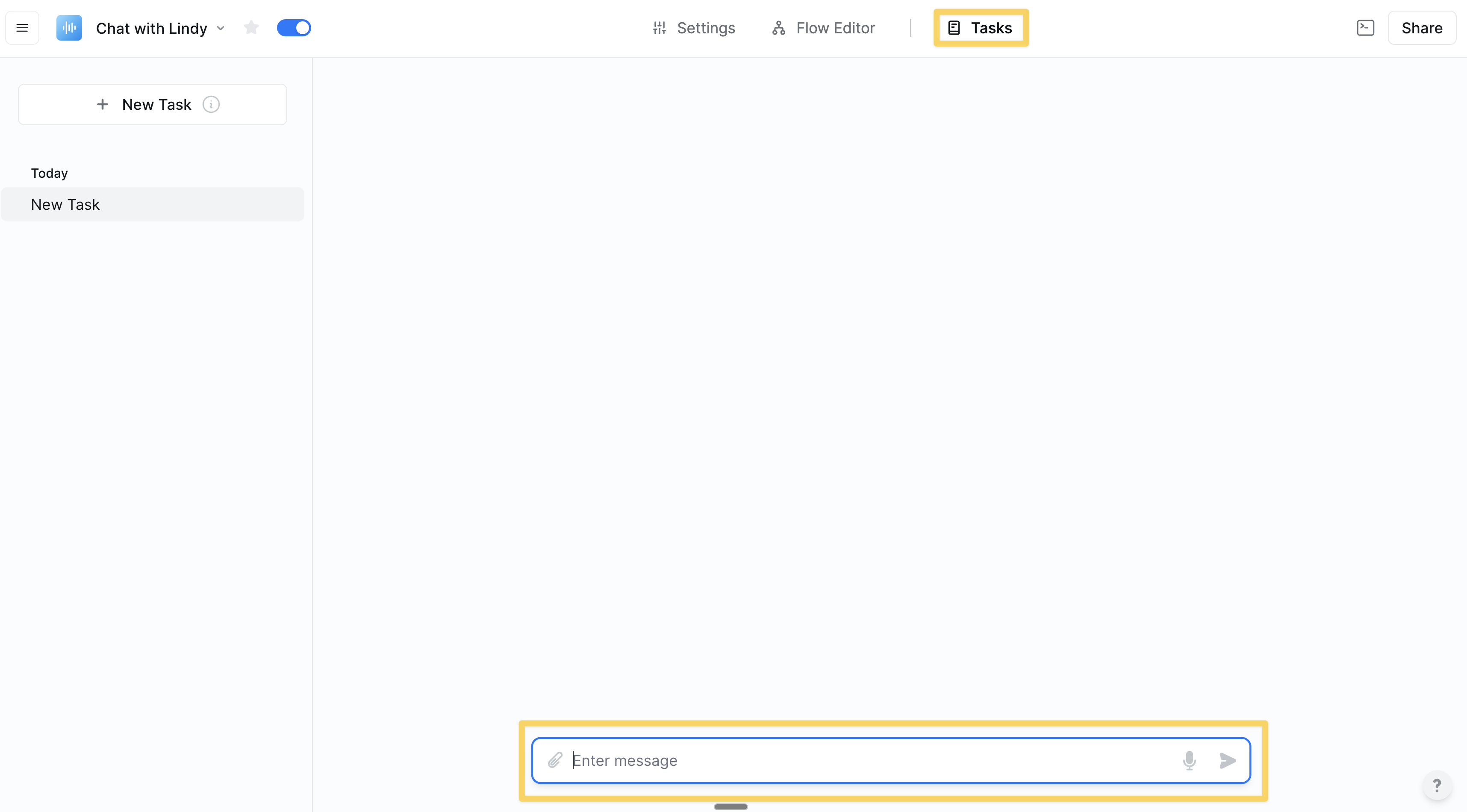
Chat with Lindy allows you to build interactive workflows that can be triggered by incoming messages and respond in real-time. This skill is perfect for creating conversational agents, custom commands, and workflows that require direct user interaction. You can start a chat from your Tasks menu, making it incredibly easy to kick off an automation.Trigger: Message Received
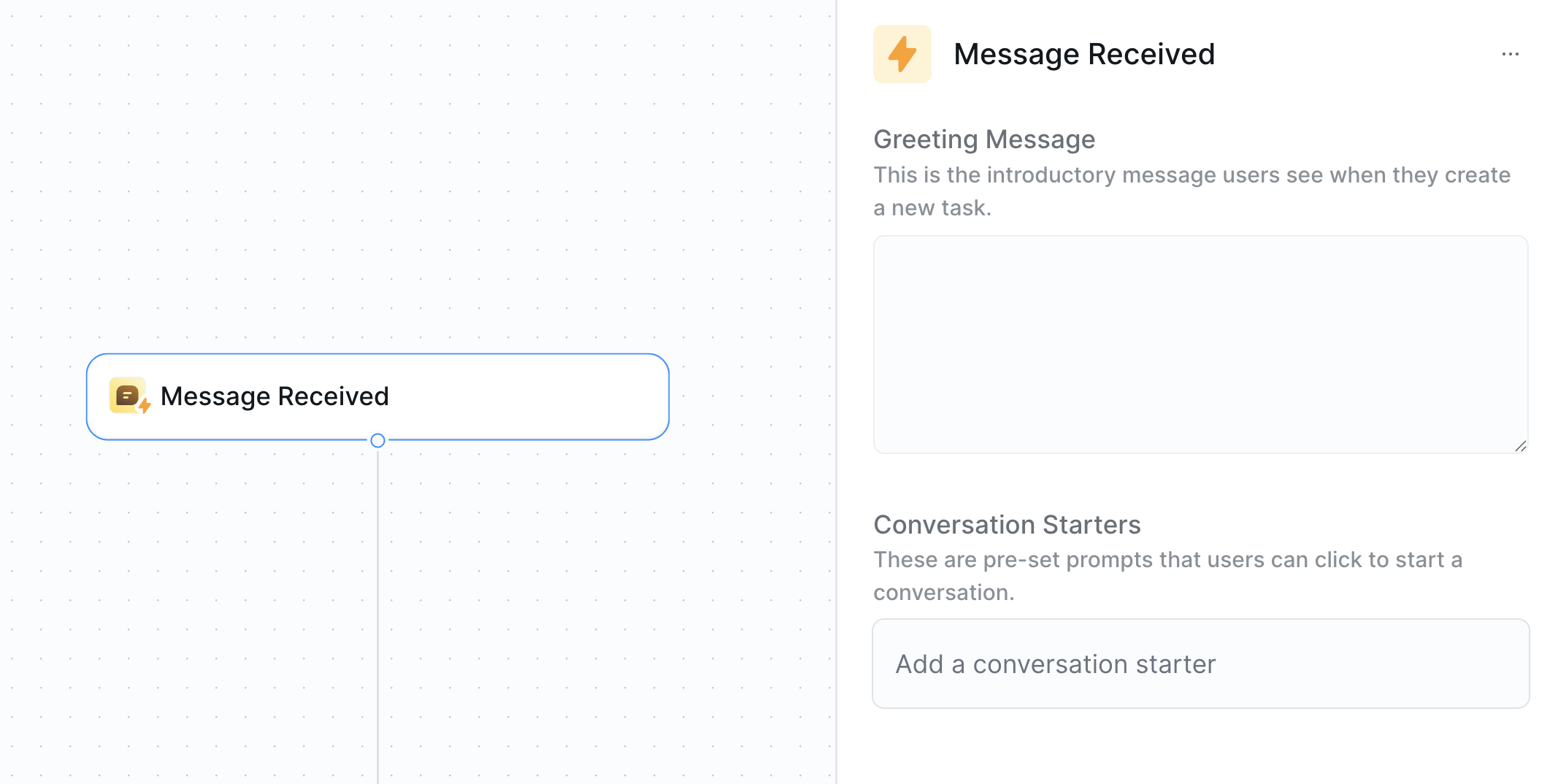
TheMessage Received trigger is the starting point for any chat-based workflow. When your agent receives a message in the chat interface that matches your trigger conditions, it will automatically start the corresponding workflow.
Actions
There are two primary actions you can use to interact with the chat.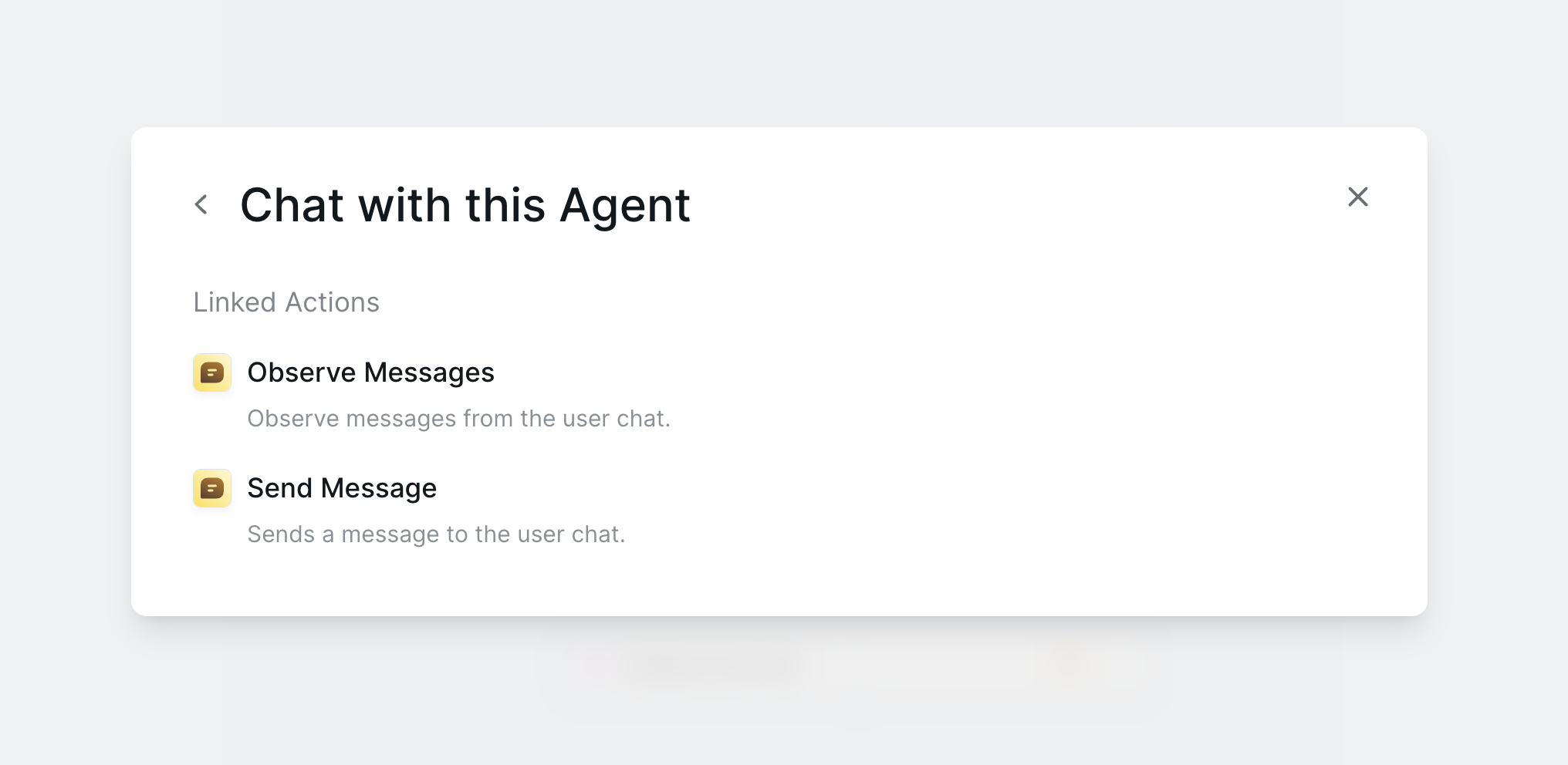
Send Message
TheSend Message action allows your agent to send a message back to the chat. This is how your agent communicates with you or your users. You can use Markdown to format your messages, allowing you to create rich, interactive responses.
Observe Message
TheObserve Message action allows the agent to “listen” for new messages in the chat without being the active trigger. This is useful for workflows where you need to monitor a conversation and take action later in the flow. While Message Received is also listening, Observe Message gives you more granular control over when and where you listen for new messages.
AI Agent Integration
The AI Agent is a powerful tool that can be used to create intelligent, conversational workflows. When you use the AI Agent in a chat-based workflow, it can read the incoming messages, understand the user’s intent, and then decide which actions to take. The AI Agent can also send messages back to the chat, allowing you to create a natural, back-and-forth conversation.Bulk Uploading Tasks via CSV
You can quickly create multiple chat tasks for your agents by uploading a CSV file to the tasks side panel. This is perfect for batch processing. Each row in your CSV will generate a new chat task, making it easy to automate large sets of interactions.Next Steps
Lindy Embed
Embed chat functionality on your website
Knowledge Base
Add knowledge to make conversations smarter
Human in the Loop
Add oversight to chat interactions
Agent Steps
Build intelligent conversation flows