

Documentation Index
Fetch the complete documentation index at: https://docs.lindy.ai/llms.txt
Use this file to discover all available pages before exploring further.
This page covers credits for custom agents built in the workflow editor. If you’re using Lindy Assistant and saw a usage warning, see Understanding Your Usage.
How Credits Work
Credits are consumed whenever a custom agent runs a task. Costs scale with:- Model intelligence: more advanced models use more credits
- Task complexity: processing hundreds of rows vs. updating one
- Premium actions: specialized integrations and features
- Agent duration: agents run until completion, using more credits for longer tasks
1-3 credits on basic models and ~10 credits on large models. Every task is at minimum 1 credit.
What is a Task?
A task is everything your agent does after being triggered. This includes all subsequent steps: conditions, actions, AI agent steps, and messages.Monitoring Usage
Task View
- Click your Lindy in the sidebar and select “Tasks”
- Access a task from the task list
- Hover over each step to see credits used for that step
Credit Gauge
The bottom left gauge shows credit consumption for your current billing cycle. Hover for details on when your balance resets.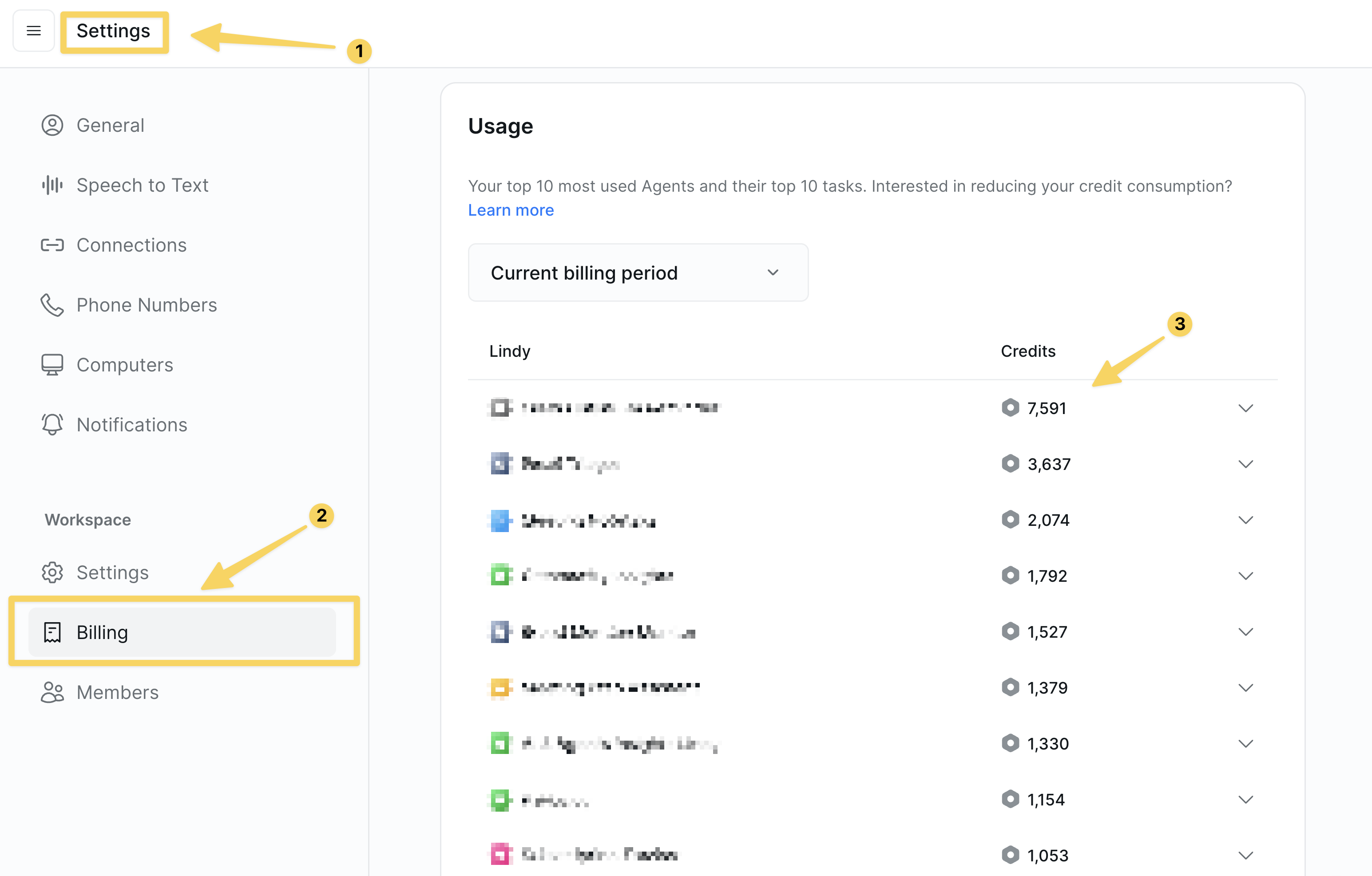
Reducing Credit Usage
1. Filter High-Volume Triggers
Not every email or event needs to trigger an agent. Apply filters so agents only run on relevant events. Example: To label emails from your team with “Acme,” filter the trigger to only fire when the sender containsacme.com. This prevents unnecessary task runs on every incoming email.
2. Use a Cheaper Model
Basic models work well for straightforward tasks like summarization, data routing, or notifications. Start with a powerful model to get your workflow right, then gradually downgrade while monitoring results.3. Clear Context Between Steps
Every time your agent processes a task, it carries forward conversation history. This increases credit usage, especially with large data like webpage contents or spreadsheets. Add Clear Task Context actions after significant data processing steps to reset conversation memory and keep costs down.4. Use Cheaper Actions
Some actions cost more credits than others. Compare alternatives and choose the most efficient option for your use case.Next Steps
Test Panel
Test workflows to understand their credit impact
Monitoring Your Agents
Track credit usage in production
Context Management
Advanced context and memory management
Workspaces
Organize projects and manage credit allocation