

Documentation Index
Fetch the complete documentation index at: https://docs.lindy.ai/llms.txt
Use this file to discover all available pages before exploring further.
Overview
Timer provides precise scheduling and delay capabilities for your agent workflows. Whether you need to run tasks on a recurring schedule, trigger at specific times, or add intelligent delays between actions, Timer gives you complete control over workflow timing.Timer is essential for creating time-based automations, scheduled reports, follow-up sequences, and any workflow requiring precise timing control.
Timer as a Trigger
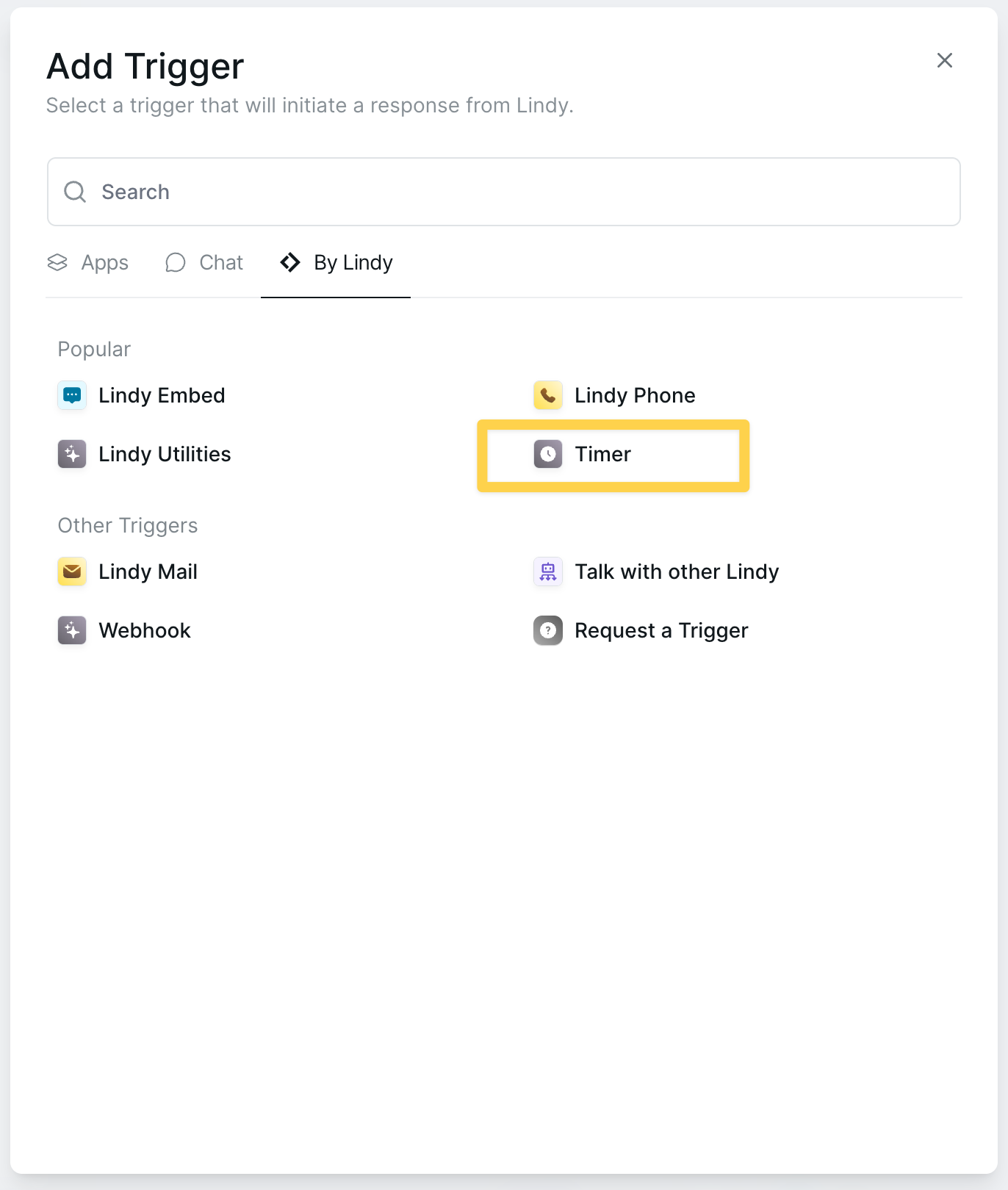
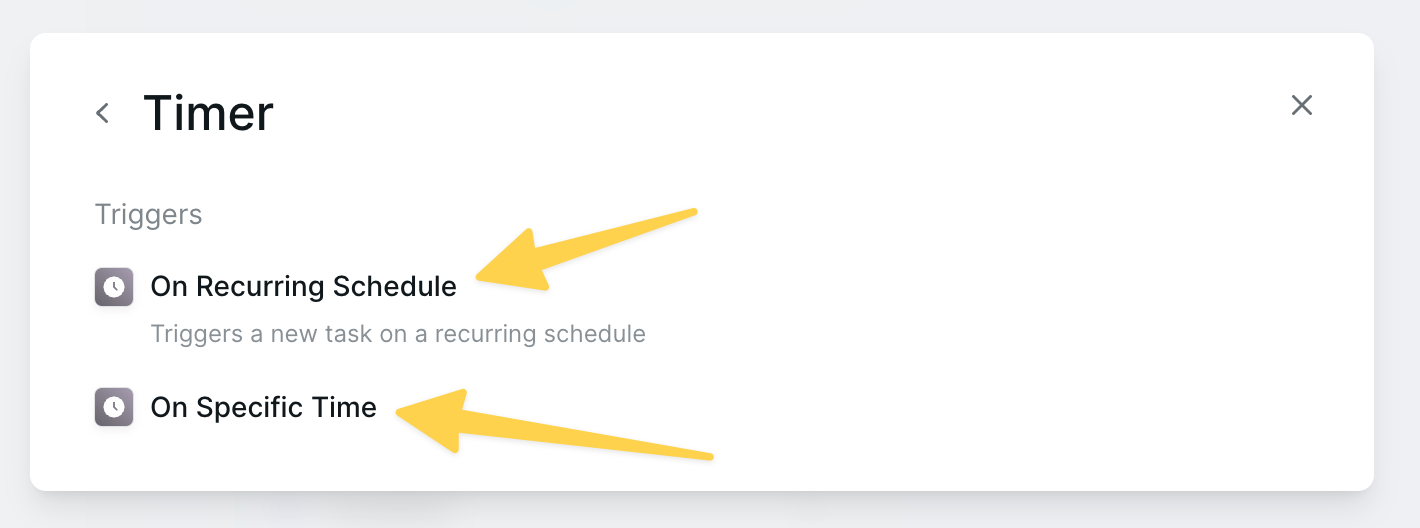
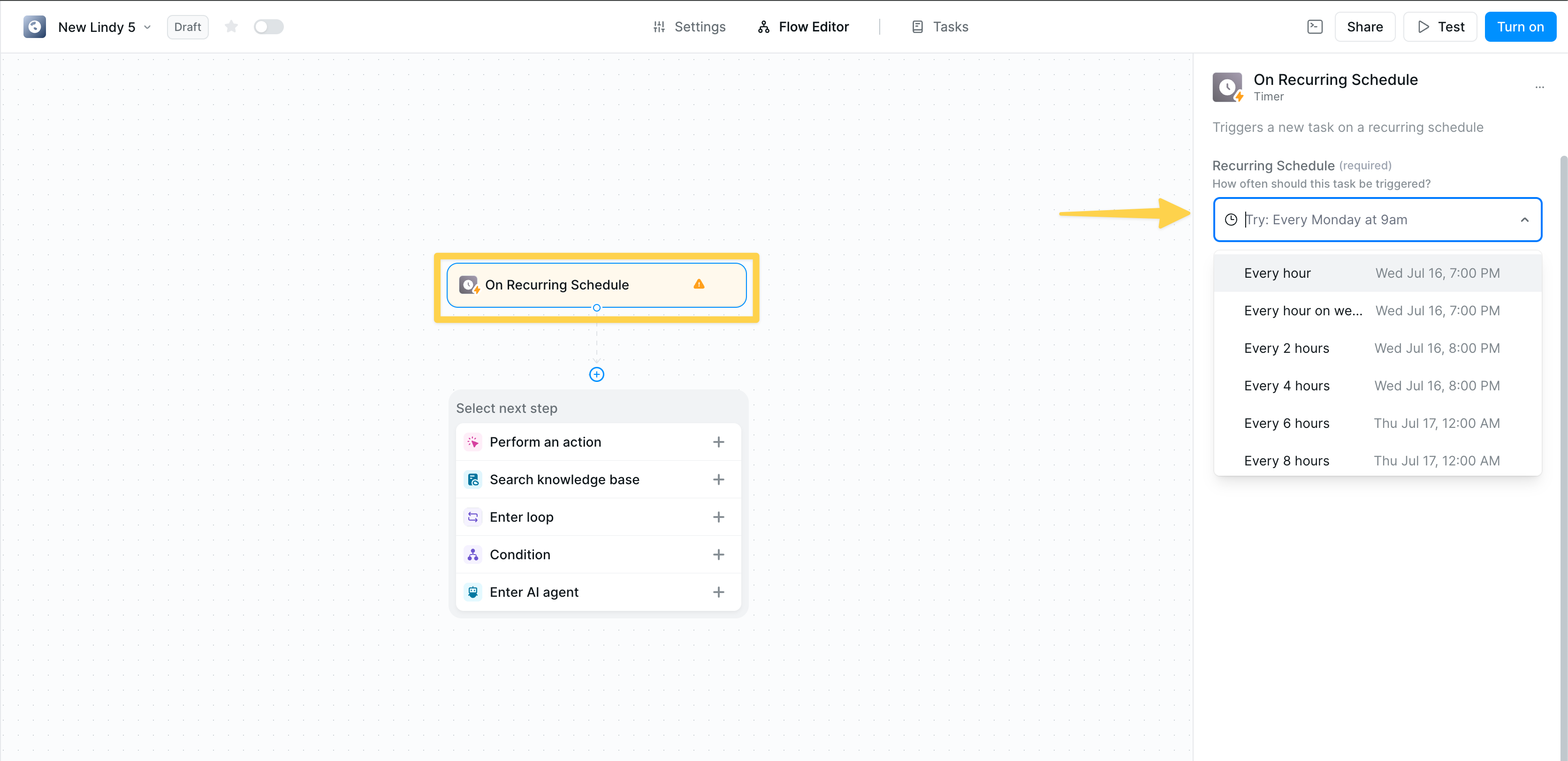
On Recurring Schedule
On Specific Time
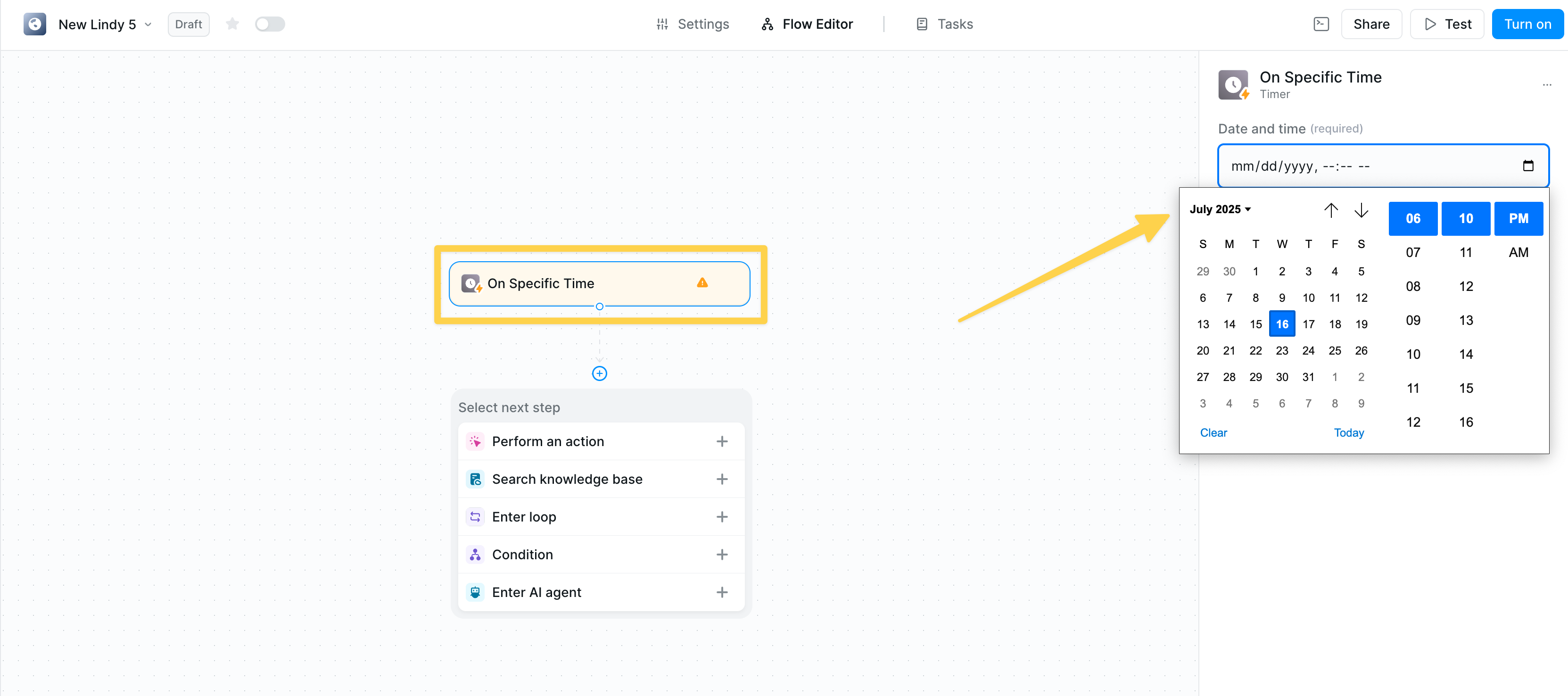
- Visual calendar picker
- Precise time selection (hour/minute)
- AM/PM format
- Clear date display (mm/dd/yyyy)
Timer as an Action
Set Timer
Add intelligent delays to your workflows with flexible timing options.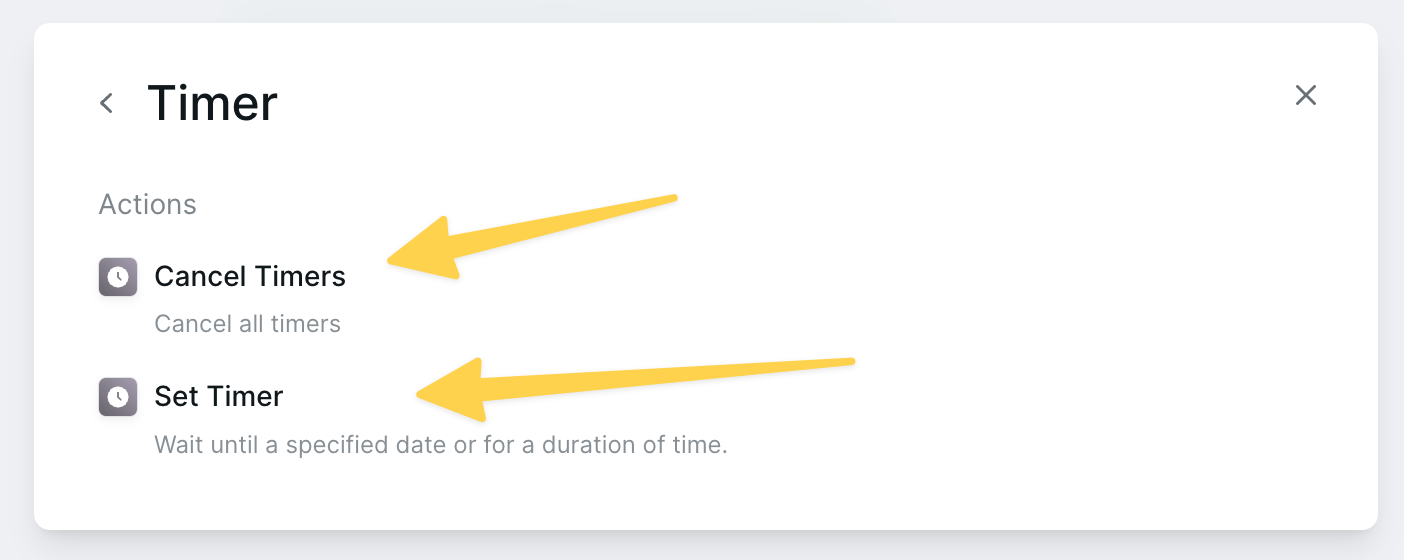
Wait Until Specific Time
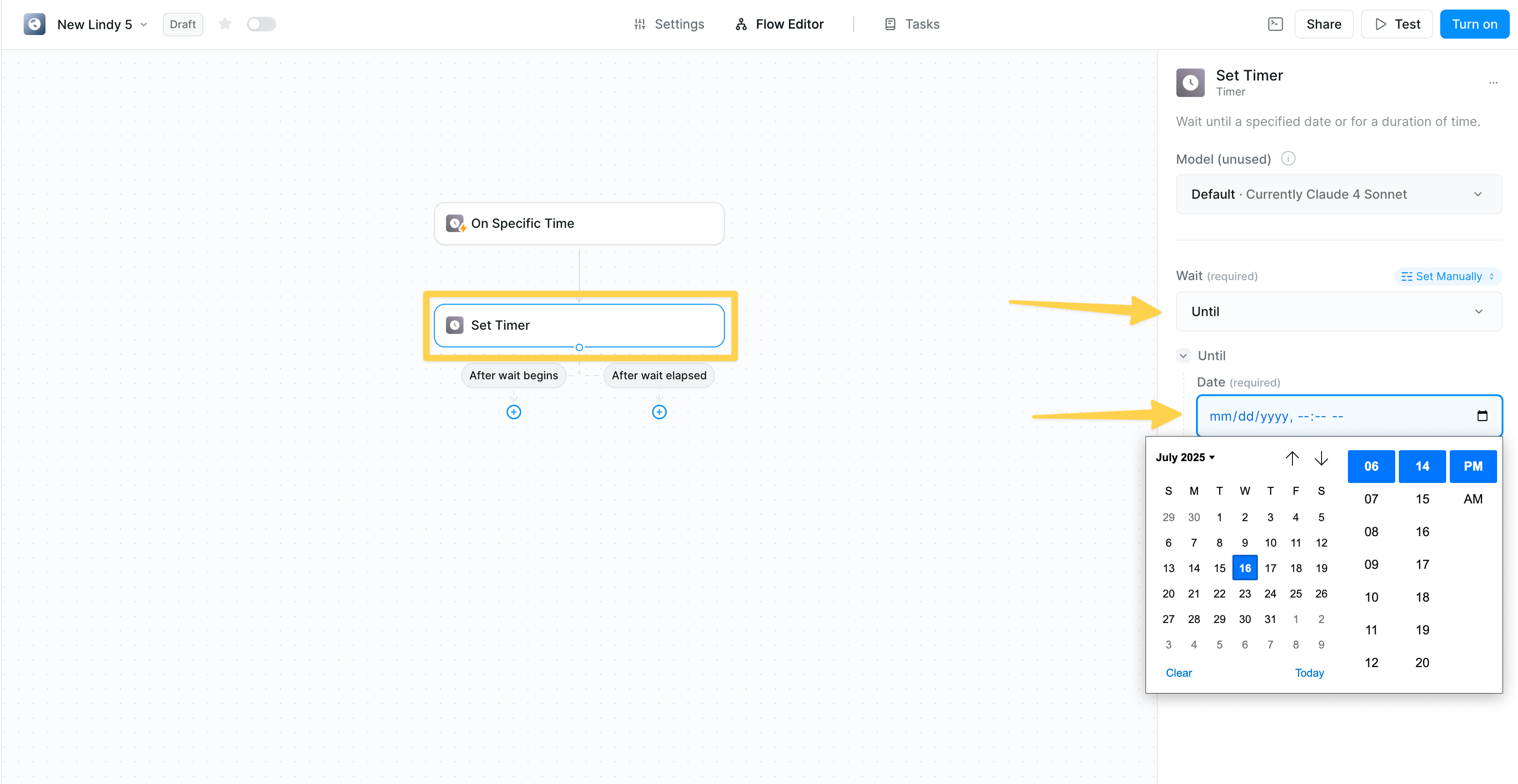
- Select specific date with calendar picker
- Choose precise time
- Workflow resumes automatically at the specified time
- Wait until business hours to send emails
- Delay actions until after an event
- Coordinate with external schedules
Wait For Duration
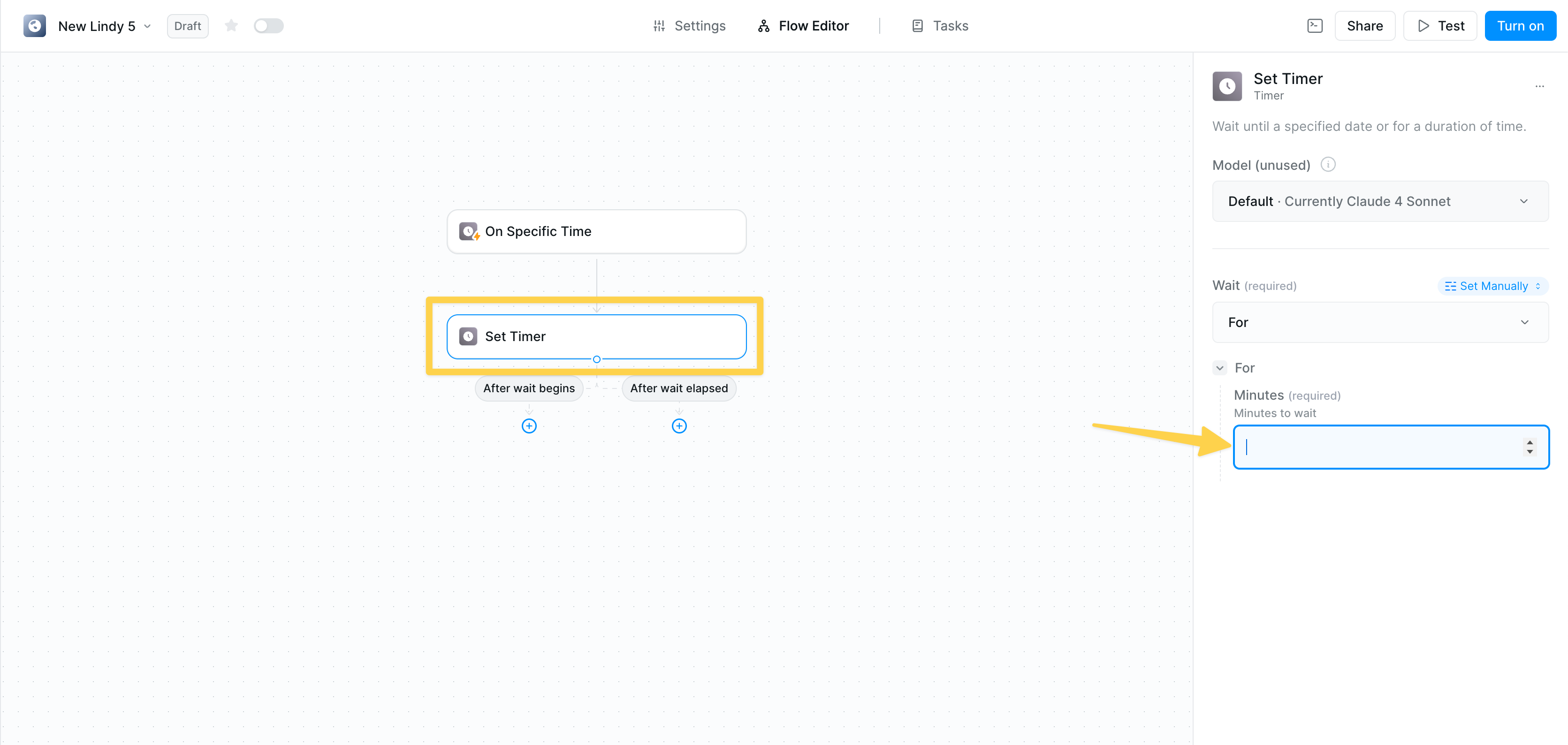
- Specify duration in minutes
- Simple numeric input
- Workflow continues after the delay
- 5 minutes — Brief pause between actions
- 60 minutes — Hourly intervals
- 1440 minutes — Daily delays
- Custom — Any duration you need
AI-Powered Timing
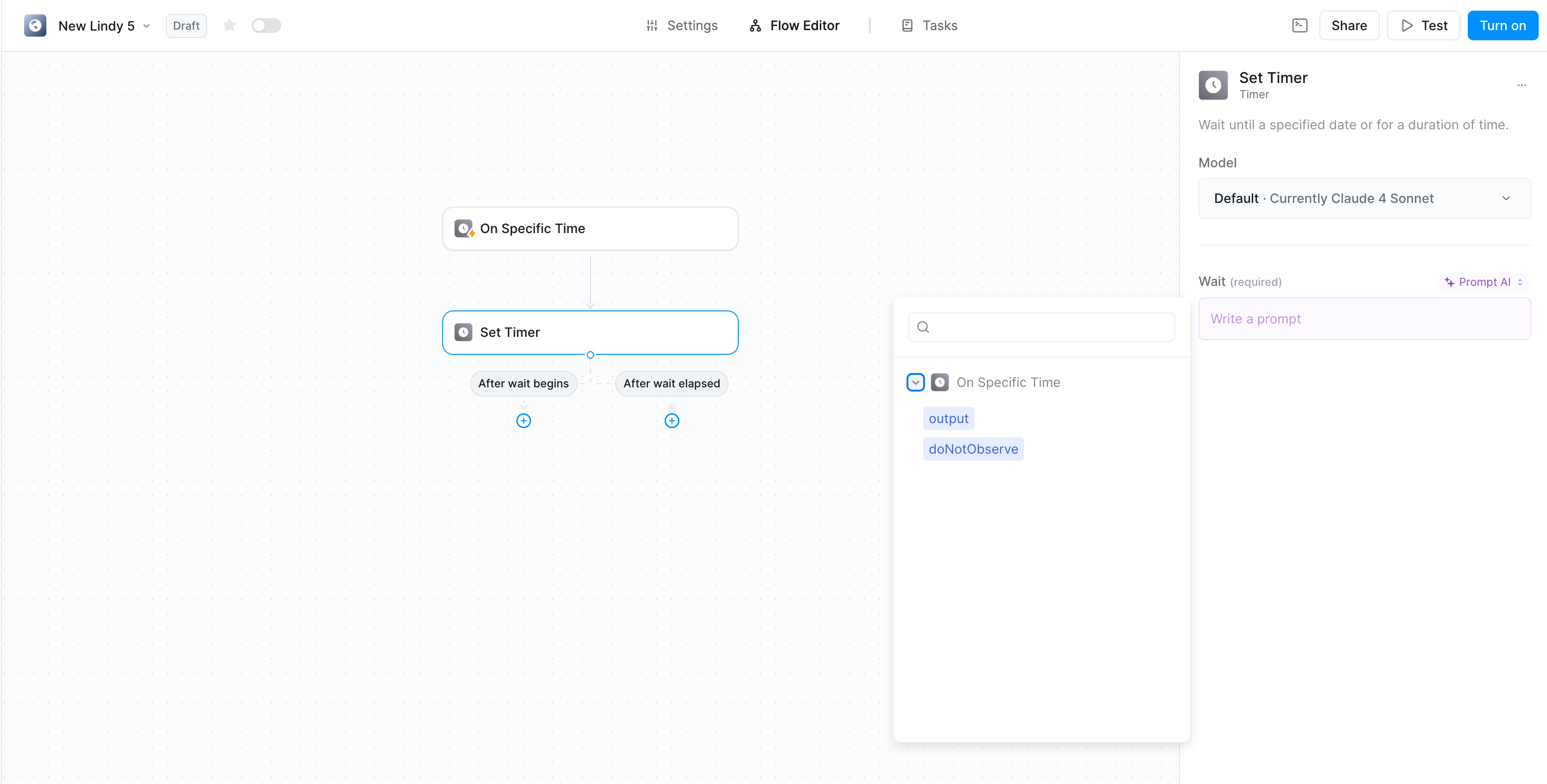
- Switch to “Prompt AI” mode
- Describe your timing needs in natural language
- AI calculates appropriate delays based on context
- “Wait 2 hours after sending the initial email”
- “Delay until next business day at 9 AM”
- “Pause for the time specified in the response”
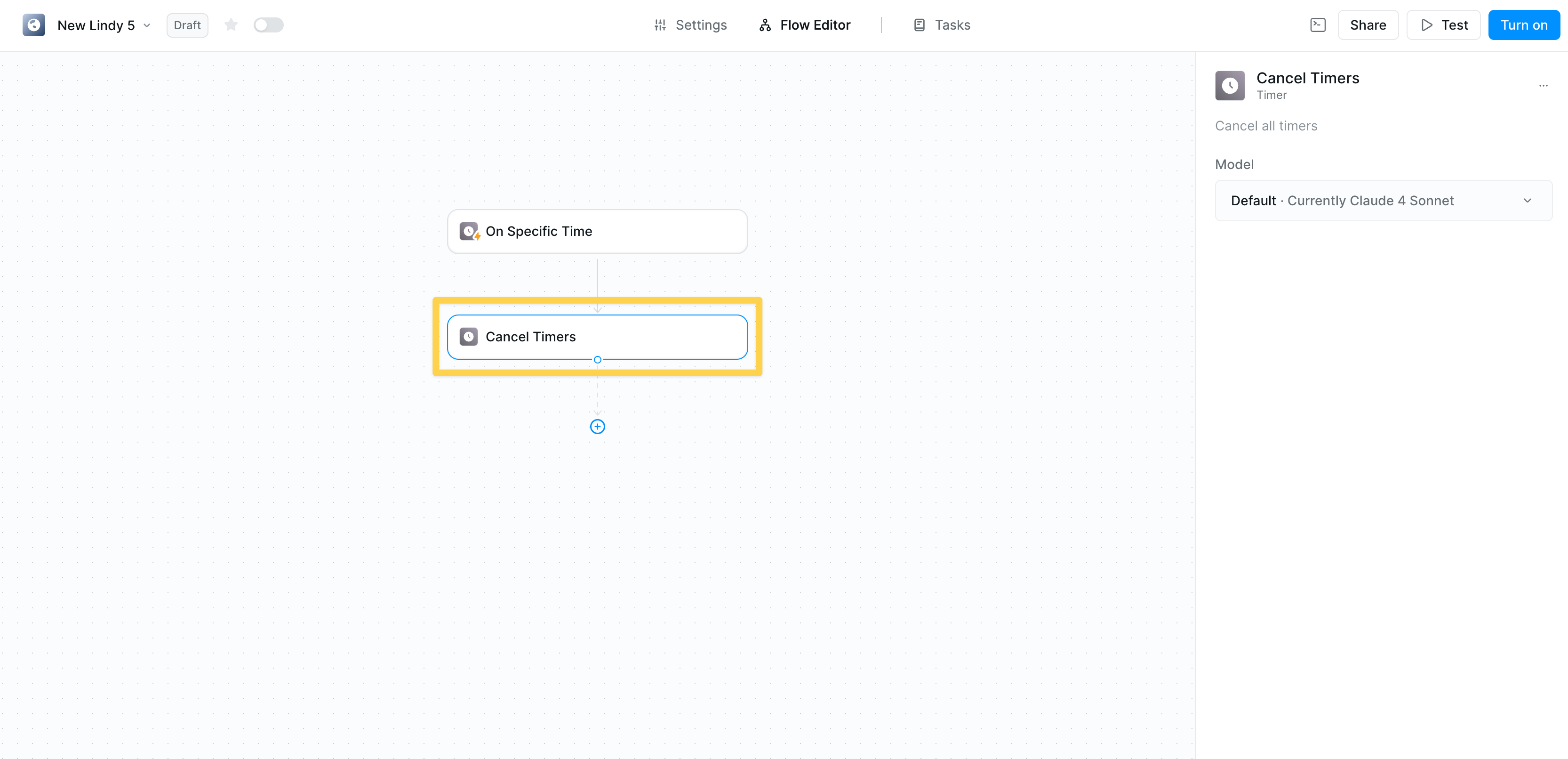
Cancel Timers
Managing Execution Paths
Both Timer triggers and actions show clear connection points:- After wait begins — Continue parallel tasks
- After wait elapsed — Resume sequential flow
- Starting multiple timers simultaneously
- Running actions while waiting
- Coordinating complex timing sequences
Related Resources
Conditions
Combine timers with conditional logic
Looping
Process timed batches of data
Knowledge Base
Store timing preferences
Human in the Loop
Add approval steps with timeouts